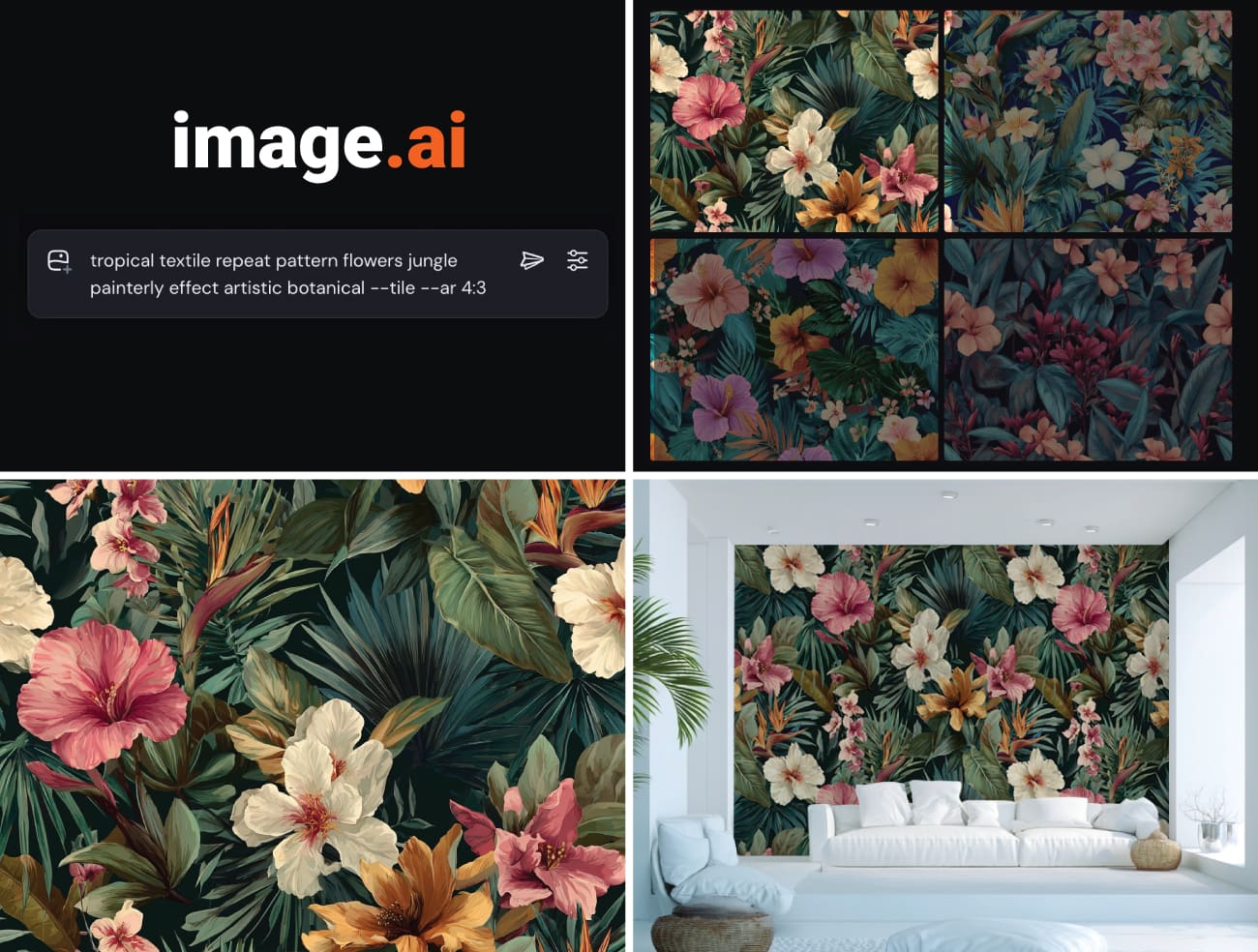
After countless prompts and careful fine-tuning, you finally land on something special — a tropical print that would look perfect behind your couch, or a sweeping landscape for your dining room. It’s striking, personal, and exactly your style. Naturally, the next thought is: “this belongs on my wall. Not as a small framed print, but as full-scale wallpaper.”
Here’s the problem: that beautiful image is roughly 1024×1024 pixels. At print resolution, that’s about 6 inches square. So the short answer here is - yes, you can print AI-generated art as wallpaper — but there’s a technical gap between a 6-inch image and an 8-foot wall that trips up most people.
This guide walks you through everything you need to know about turning AI-generated artwork into physical, wall-sized murals, patterns and wallcoverings — from understanding how to fix files that are too small, to choosing the right materials for your specific aesthetic.
What we will cover:
- Image Upscaling Options
- Color Accuracy & Expectations
- Building Seamless Patterns
- Correcting AI Artifacts
- Choosing The Right Material
- Copyright Concerns
- Professional Upscaling
Without further ado, let’s dive in:
Why AI Art Files Are “Too Small” for Walls
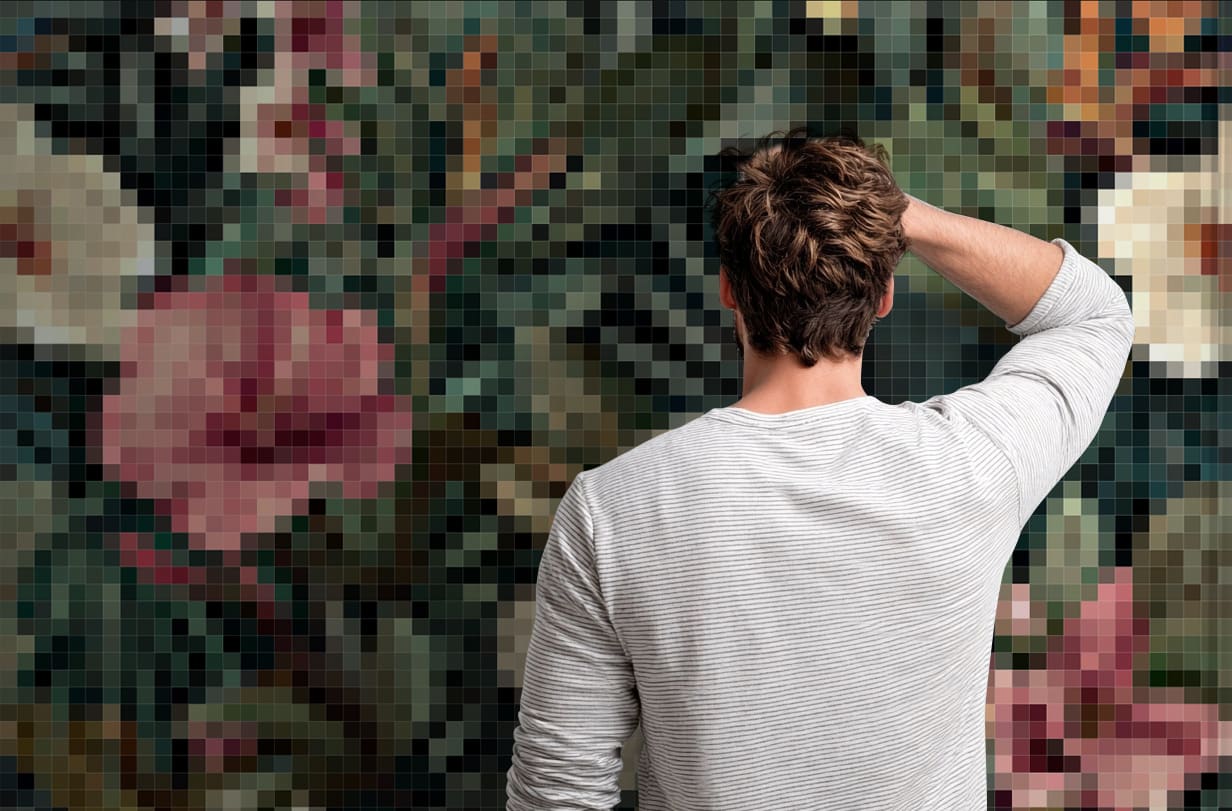
Every image is made of pixels. The more pixels, the larger you can print before things get blurry. Professional printing typically requires 150-300 DPI (dots per inch) for sharp results at viewing distance.
Here’s what the major AI tools actually output:
| Platform | Default Output | Max Output | Print Size at 150 DPI |
|---|---|---|---|
| Midjourney | 1024×1024 | 2048×2048 | ~6.8” to ~13.4” |
| DALL-E 3 | 1024×1024 | 1792×1024 | ~6.8” × 12” |
| Stable Diffusion | 512×512 | 1024×1024 | ~3.4” to ~6.8” |
| Leonardo AI | 1024×1024 | 1536×1536 | ~6.8” to ~10.2” |
A typical accent wall might be 10 feet wide by 8 feet tall. At 150 DPI (acceptable for wallpaper viewed from a few feet away), you’d need roughly 18,000×14,400 pixels. That’s 259 megapixels—about 250 times more data than Midjourney provides natively. This resolution gap is exactly where AI wallpaper projects succeed or fail.
This is the core technical barrier. Most of this guide was written to address how to bridge that gap.
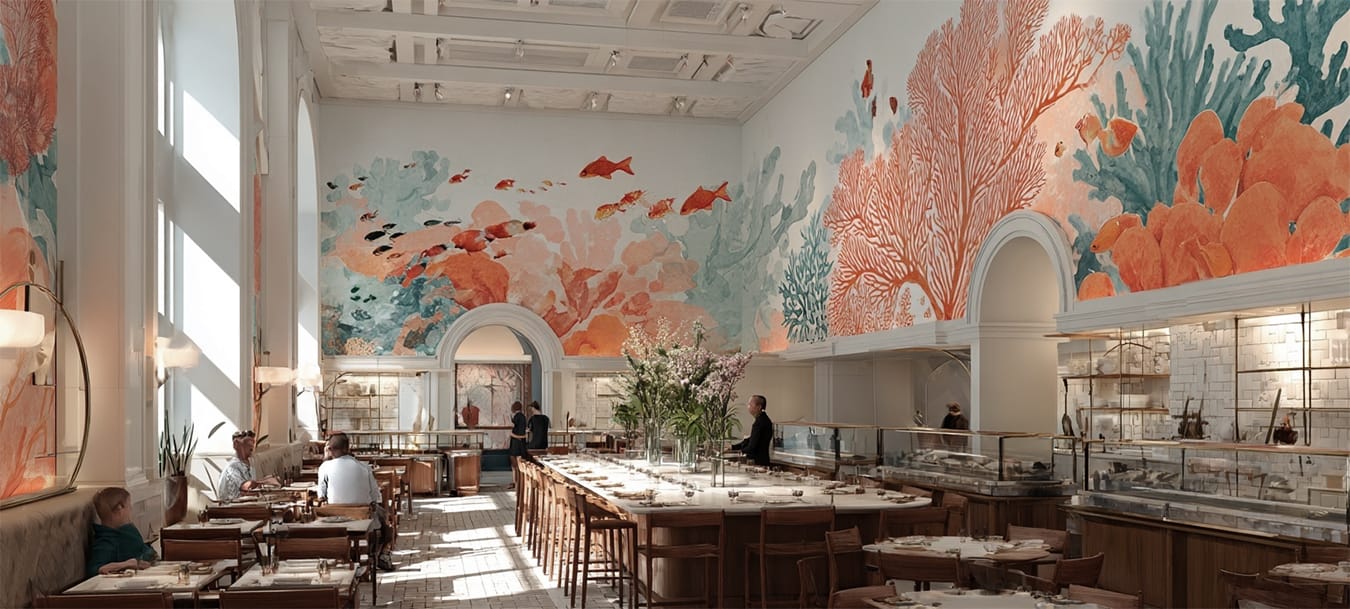
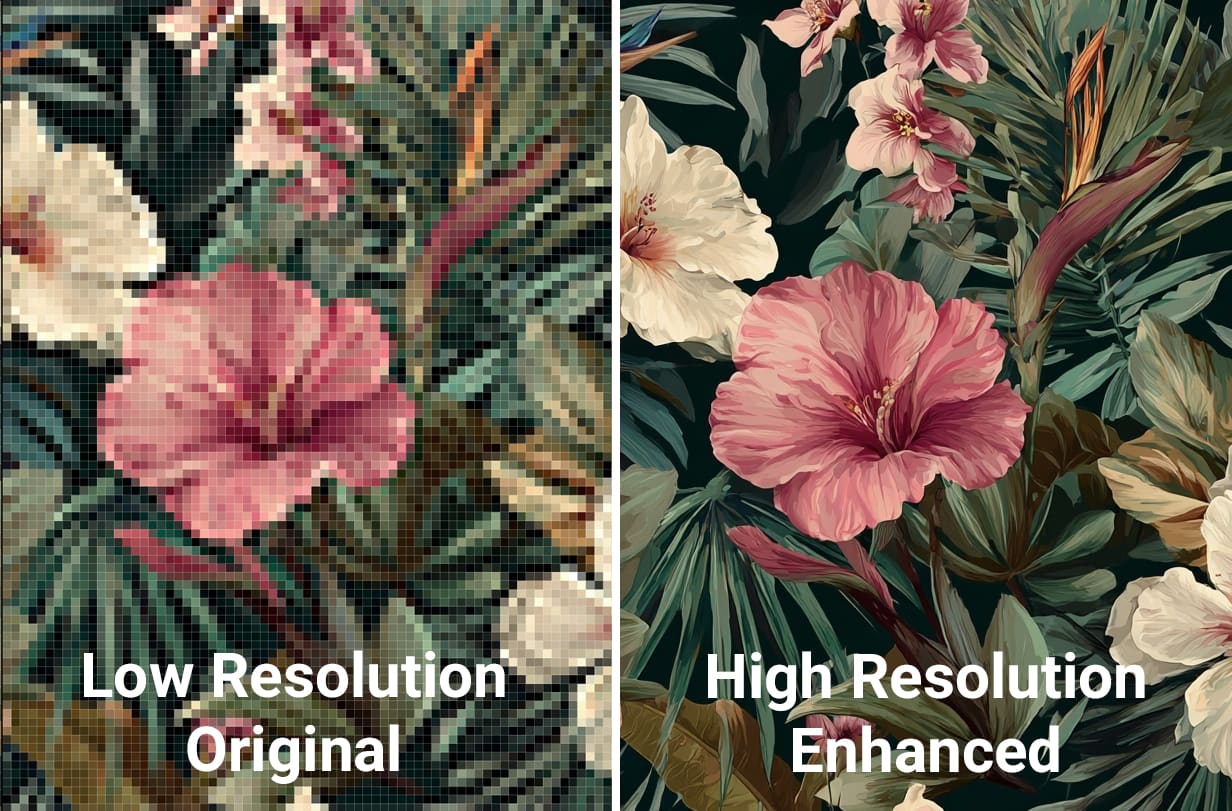 The same AI image at native resolution versus professionally upscaled. The difference becomes dramatic at wall scale.
Key Takeaway: Repetitive Patterns are far more suitable for wallpaper printing given their reduced size. Most motifs do not exceed 3x3 feet which means less upscaling is necessary. By contrast, murals require full wall coverage. Depending on the art you generate, this may not be feasible.
How to Upscale AI Art for Large-Format Printing
You have three paths forward, each with tradeoffs.
Path 1: Native AI Upscaling
Bridging that 250× resolution gap requires upscaling — specialized software designed to intelligently enlarge the image while preserving or reconstructing detail. Some image generators do provide limited enhancement.
Midjourney offers built-in upscalers. After generating an image, you can use “Upscale (Subtle)” or “Upscale (Creative)” to double the resolution. This consumes additional GPU minutes and only gets you to 2048×2048 — still far short of wall-scale requirements. DALL-E and Leonardo have similar limitations.
Path 2: Third-Party Upscaling Tools
Several dedicated tools can push your images further:
Topaz Gigapixel AI ($99/year) is the most frequently recommended option in AI art communities. It uses machine learning to intelligently add detail while enlarging. Results vary — some images upscale beautifully, others develop artifacts or an over-sharpened look.
Let’s Enhance offers cloud-based upscaling with presets specifically for print. The subscription model works well if you’re processing multiple images.
Bigjpg provides free 4x upscaling with paid tiers for larger multipliers. Quality is acceptable for some use cases but inconsistent.
Magnific AI is newer and generates genuinely new detail during upscaling. Results can be impressive but may drift from your original vision.
The honest truth about DIY upscaling: it’s trial and error. One tool might work brilliantly for a painterly landscape and terribly for geometric patterns. You’ll spend hours testing, and results remain unpredictable until you actually print.
Path 3: Professional Upscaling Services
Print shops that specialize in large-format work often include upscaling as part of their prepress workflow. The advantage here is accountability — they know what’s required for their specific printers and materials, and they can catch problems before production.
For example, at Fine Print we use enterprise-grade upscaling and our own proprietary worfklow combined with human review. Our prepress team examines every file for artifacts, color issues, and pattern alignment before anything gets printed. This matters because upscaling algorithms can introduce problems that only become visible at wall scale.
Color Perception: RGB Screens vs CMYK Prints
This issue surprises even experienced designers.
Your monitor displays color using RGB (Red, Green, Blue)—light mixing together. Printing uses CMYK (Cyan, Magenta, Yellow, Black)—inks absorbing light. These are fundamentally different systems, and certain RGB colors simply cannot be reproduced in CMYK.
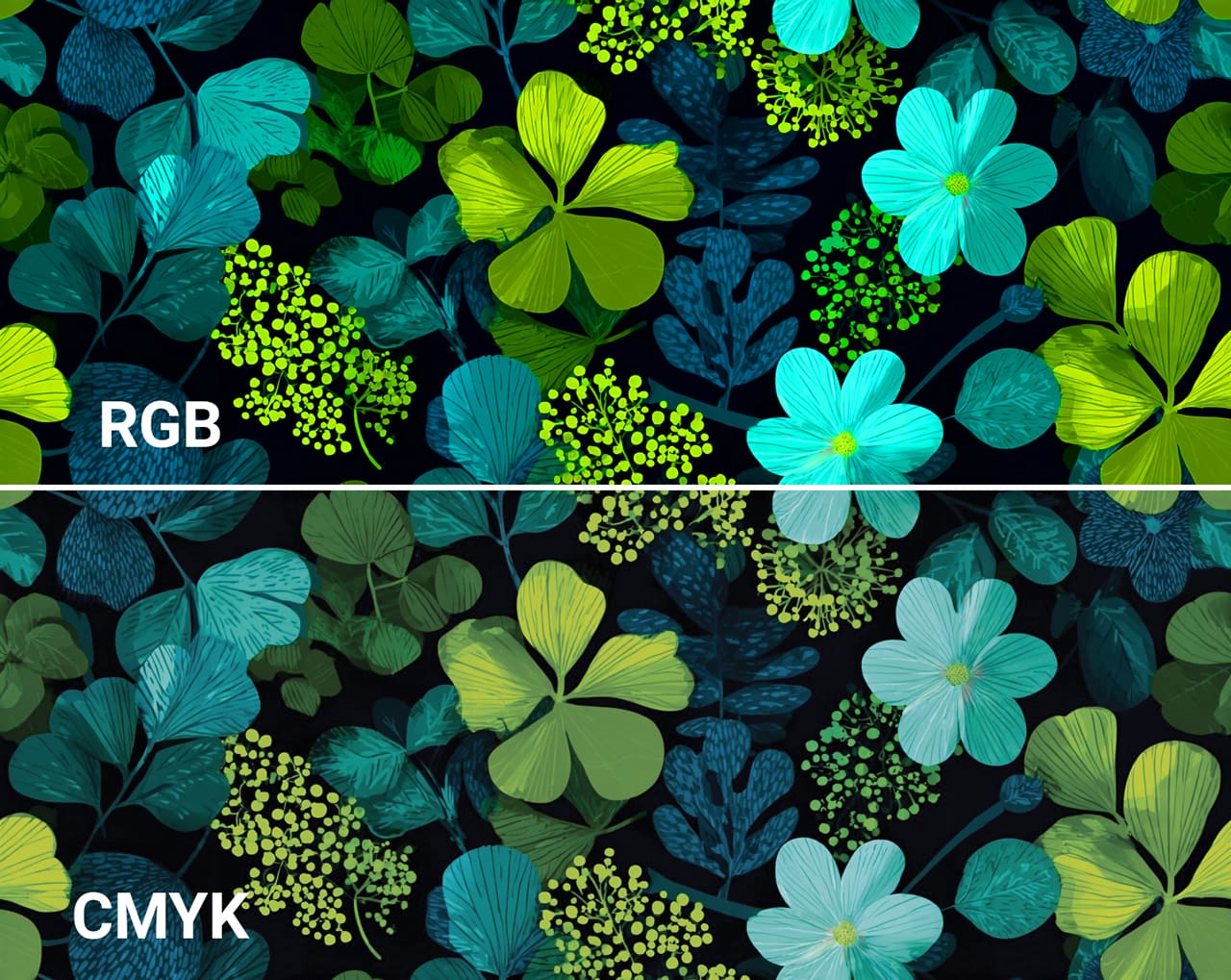
Vivid electric blues, neon greens, and saturated purples are common casualties. That glowing cyan in your Midjourney image? It will print duller than you expect. This isn’t a printer limitation—it’s physics.
Managing Color Expectations
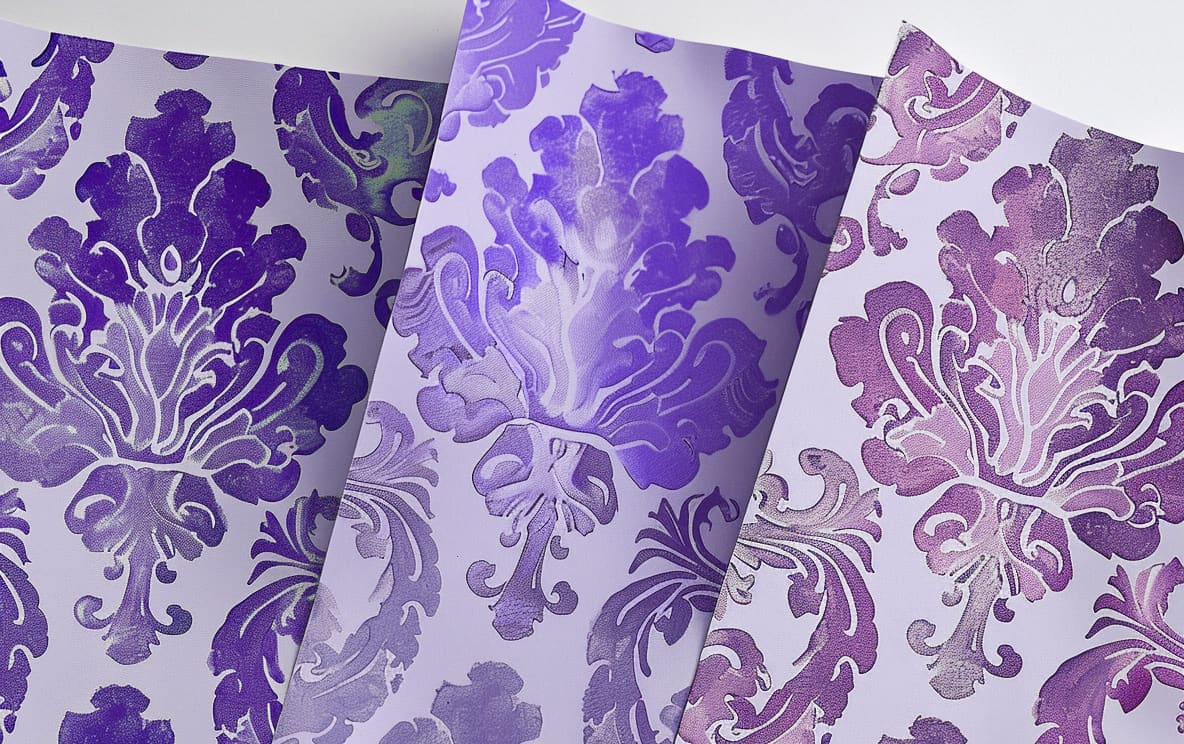
Request physical samples. This is the only reliable way to see how colors will actually appear. A reputable print shop will provide press proofs on your chosen material before committing to full production.
Specify color references. If a particular shade is critical, reference a physical standard—Pantone, Benjamin Moore, or Sherwin Williams. A good printer can match to these within tolerance.
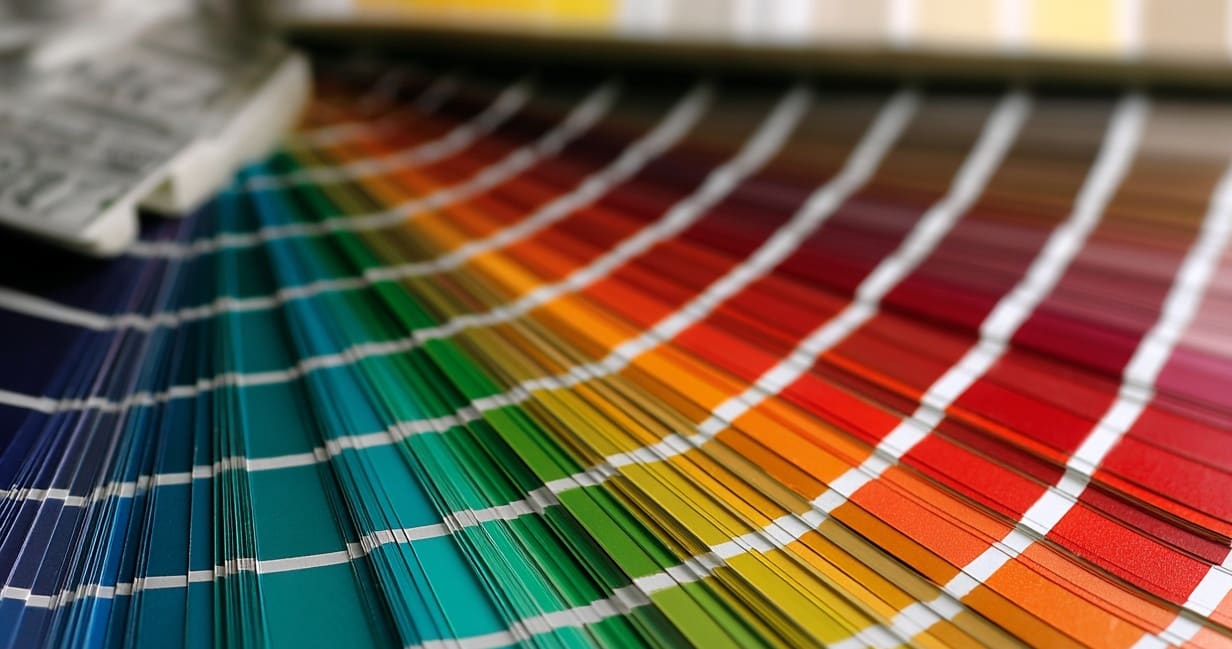
Embrace the shift. Sometimes the printed version, while different from screen, has its own appeal. Printed color has a physicality that screens can’t replicate.
Seamless Patterns: The –tile Parameter and Its Limits
For repeating wallpaper patterns rather than single murals, Midjourney’s --tile parameter generates images designed to repeat seamlessly — perfect for traditional wallpaper patterns rather than singular murals.
The command looks like this:
/imagine prompt: art deco geometric pattern in gold and navy --tile --ar 1:1
In theory, the resulting image tiles infinitely without visible seams. In practice, results are inconsistent. Sometimes the repeat is flawless. Sometimes there’s a subtle misalignment that only becomes obvious when you see 50 tiles printed across a wall.
Checking Your Tiles Before Printing
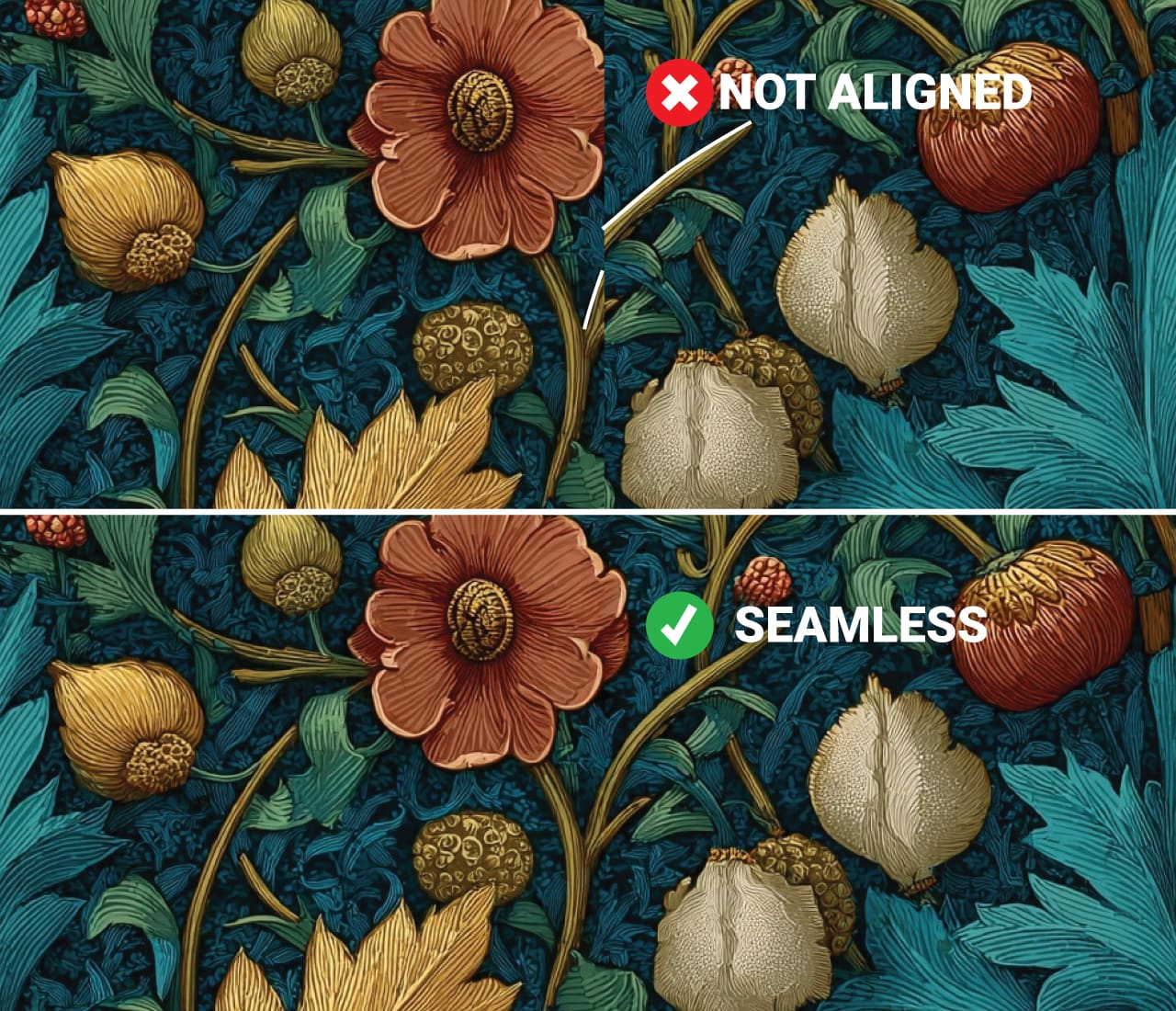
Open your image in any photo editor and place four copies in a 2×2 grid, edges touching. Zoom to 100% and scan the seam lines. Look for:
- Color discontinuities at edges
- Pattern elements that don’t quite align
- Lighting or texture shifts across the boundary
If you spot problems, you have two options: regenerate with the same prompt (Midjourney’s randomness means each attempt differs) or have a designer manually correct the seamless repeat.
PRO TIP: Simpler prompts with fewer specific elements tend to tile more reliably. “Abstract watercolor texture in sage green” will likely tile better than “intricate Victorian botanical pattern with specific flowers.”
Artifacts: What AI Gets Wrong
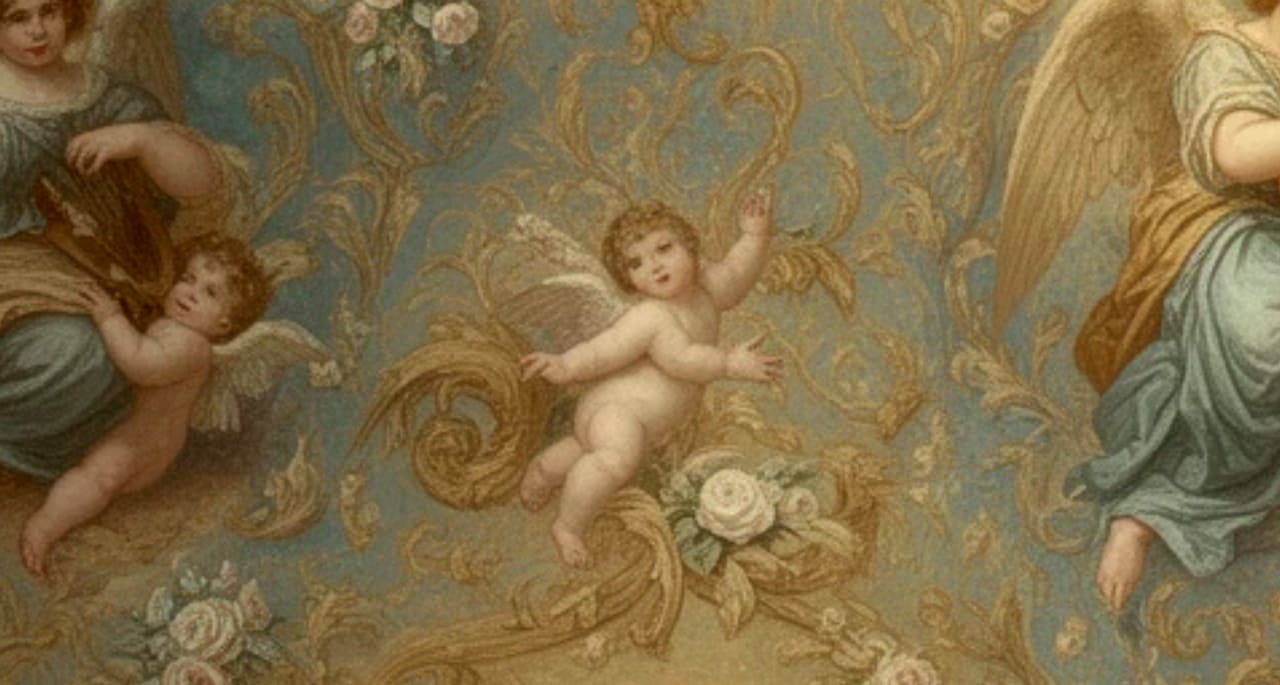
AI-generated images often contain visual quirks that are easy to miss on screen but become glaring when printed large. Common issues include:
Distorted hands and faces. AI famously struggles with human anatomy. If your design includes figures, examine them closely.
Texture inconsistencies. Areas that look uniformly painted on screen may reveal strange micro-patterns at high magnification.
Edge anomalies. Where distinct elements meet, you’ll sometimes find smudging, halos, or unnatural blending.
Repetition artifacts. AI may unconsciously duplicate elements in ways that become obvious at scale.
Some of these can be fixed in Photoshop. Complex corrections require skilled retouching. This is another area where professional prepress services earn their value—catching problems you’d otherwise discover only after installation.
Choosing Materials for AI Art
The substrate you print on significantly affects the final appearance. Different AI art styles pair better with different materials.
For Painterly and Textured AI Art
Canvas texture wallcoverings add physical dimension that complements brushstroke-style generations. The texture also helps mask any subtle upscaling artifacts.
Grasscloth or linen finishes work beautifully with organic, natural-looking AI art—botanicals, landscapes, abstract watercolors.
For Sharp Graphics and Clean Lines
Smooth vinyl preserves crisp edges in geometric patterns, architectural renderings, and hard-edge abstracts.
Matte finishes reduce glare and work well in spaces with strong natural light.
For Maximum Impact
Metallic substrates (gold, silver, platinum) can enhance AI art with luminous or fantastical qualities. Metallics add genuine reflectivity that changes with viewing angle.
Specialty finishes like suede or velvet add tactile interest to certain styles.
When uncertain, request samples on multiple materials. The same digital file can look surprisingly different across substrates.
File Preparation Checklist
Before sending files for production, verify:
Format: PNG is preferred for AI art. It preserves quality without compression artifacts. TIFF also works well. Avoid JPEG for final files — the compression introduces subtle degradation.
Color space: Most print shops want files in CMYK, though some prefer RGB and handle conversion themselves. Ask your printer.
Resolution: After upscaling, your file should be at least 150 DPI at final print dimensions. 200-300 DPI is better if achievable.
Bleed: For wallpaper, your file typically needs to extend slightly beyond the trim edges. Your printer will specify requirements.
Dimensions: Provide your exact wall measurements. Width and height, including any obstacles (windows, outlets, doors). The more precise, the better your panels will align.
A Note on Copyright
The legal landscape around AI-generated art remains unsettled. In 2023, the US Copyright Office ruled that purely AI-generated works lack the human authorship required for copyright protection.
However, this doesn’t mean you can’t print your AI art. It means:
- You likely can’t register the image for copyright protection
- You generally own the output per platform terms of service (check Midjourney’s, DALL-E’s, or Stable Diffusion’s specific policies)
- Commercial use policies vary by platform and subscription tier
For personal wallpaper in your own home, this is largely academic. For commercial installations or client work, understand the licensing terms of whatever AI tool you used.
Print shops operate as production partners—we print what you provide without claiming ownership of your designs. Your file remains yours.
The Printing Process: From File to Wall
Here’s what to expect when working with a professional print shop for AI art wallpaper:
1. Consultation and File Review
Submit your AI-generated image along with your wall dimensions. The printer assesses whether the file can achieve acceptable quality at your target size, identifies potential issues, and recommends materials.
2. Upscaling and Prepress
If resolution is insufficient, professional upscaling brings the file to print-ready specs. Prepress technicians check for artifacts, color issues, and pattern alignment. You receive digital proofs showing exactly how panels will map to your walls.
3. Physical Samples
Before full production, you receive printed samples on your chosen material. This is where you verify color accuracy and material feel under your actual lighting conditions. Don’t skip this step—screens simply cannot replicate the physical print experience.
4. Production
After sample approval, full panels are printed. Quality wallcovering printers use UV-cured inks for durability and color stability. Your panels are labeled for installation sequence.
5. Delivery and Installation
Finished panels arrive carefully packaged with installation guides. Most homeowners hire professional wallpaper installers, especially for large murals where panel alignment is critical.
When Professional Help Makes Sense
DIY is possible for AI art wallpaper. You can upscale with free tools, find an online print-on-demand service, and handle installation yourself.
But certain situations favor professional support:
Large or complex installations. Covering an entire room, working around architectural features, or installing in commercial spaces benefits from experienced project management.
Critical color matching. When specific colors must match existing decor, paint, or branding, professional color management and multiple sample rounds pay for themselves.
Tight timelines. Professional workflows move faster than trial-and-error DIY approaches.
High-end materials. Specialty substrates require specific handling and installation techniques.
When quality is non-negotiable. For installations where visible flaws aren’t acceptable—hospitality, retail, high-end residential—professional production reduces risk.
About Fine Print NYC: Our Experience with AI Art Wallpaper
At Fine Print, we’ve watched this space evolve rapidly. We’ve been printing AI-generated artwork at architectural scale since clients started asking if it was possible. Built on 20+ years of wallpaper restoration—matching impossible colors, aligning damaged patterns—we developed the patience and technical eye this work demands.
When you work with us, the process is simple: send your file and wall dimensions. Our prepress team handles upscaling, artifact correction, and color preparation. You receive physical proofs on your chosen material before we print a single production panel.
You’ll talk directly to the founders who run the presses. We’ll tell you honestly if a file needs more work, if a cheaper material looks just as good, or if your project isn’t a fit for what we do. No scripts, no upselling.
Get a free printability assessment. Email your AI file and wall measurements to inquiries@fineprintnyc.com. Within 48 hours, you’ll hear back with an honest evaluation: whether your art will work at your desired size, which materials suit it best, and a clear quote.
We’re also available by phone, 9:30AM-5:30PM EST: (212) 619-5446.
Most files need more work than people expect. That’s normal — and it’s exactly what we’re here for.
About the Author
Steven Garcia is a multimedia artist & graphic illustrator from Brooklyn, New York. With an extensive background in art and history, Steven currently runs our Wallpaper Restoration Department. When he’s not creating or repairing graphics, he’s traveling the world, remodeling historical properties or making music as a DJ/Producer.